Select Move Money.
Select Transfer Funds..
Under From or To, select Link New Account.
Select Link New External Account
Select Instant Verification to link your bank account using Plaid (recommended) or Manual Verification to enter your account information manually.
Please note that linking your bank manually requires that we send two microdeposits to your financial institution, which you’ll need to verify in your profile settings online or in the app. It may take several days to receive the microdeposits.
You can also:
Select Settings under your profile name.
Go to Accounts.
Select Link New External Account.
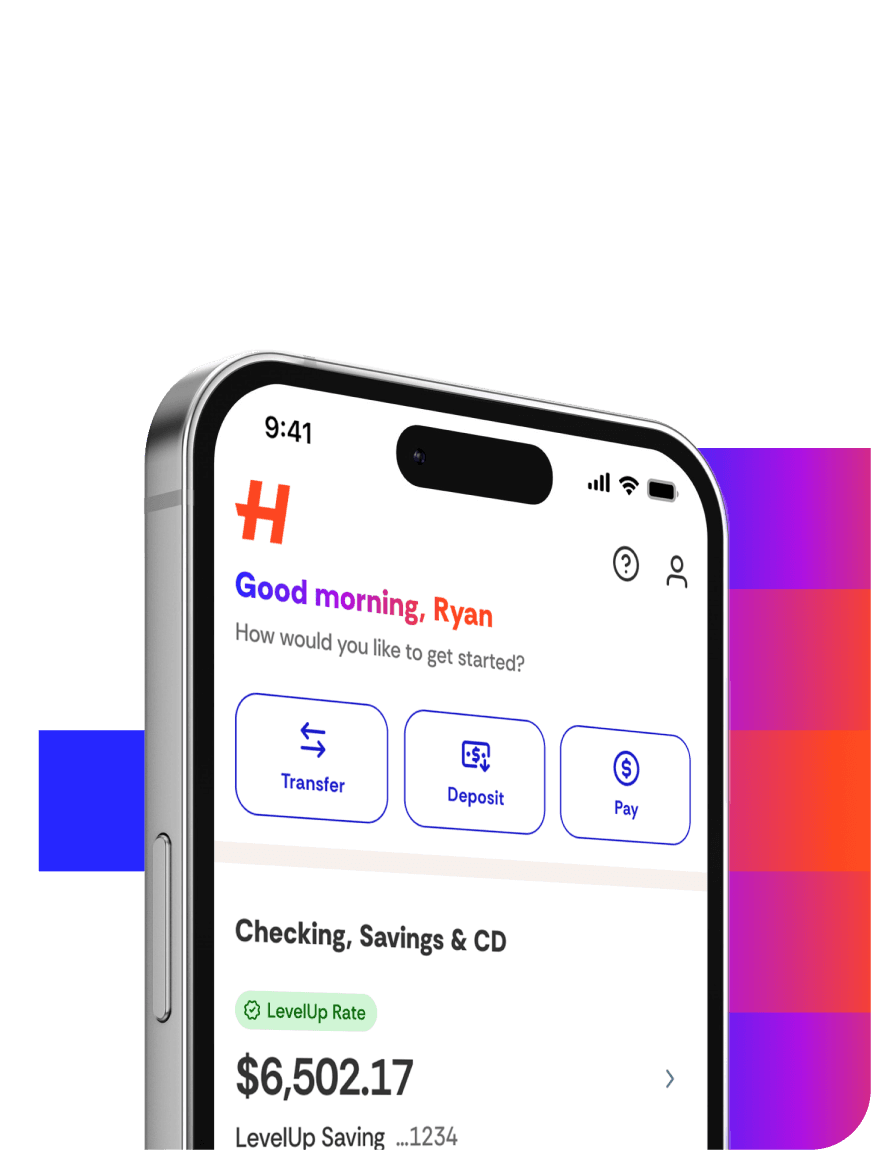
In the app
Select Move Money.
Select Transfer Funds.
Under From or To, select Link New Account.
Select Instant Add to link your bank account using Plaid (recommend ed) or Link Bank Manually to enter your account information manually.
Please note that linking your bank manually requires that we send two microdeposits to your financial institution, which you’ll need to verify in your profile settings online or in the app. It may take several days to receive the microdeposits.
You can also:
Select the profile icon.
Select External Bank Accounts.
Select Link New External Account.