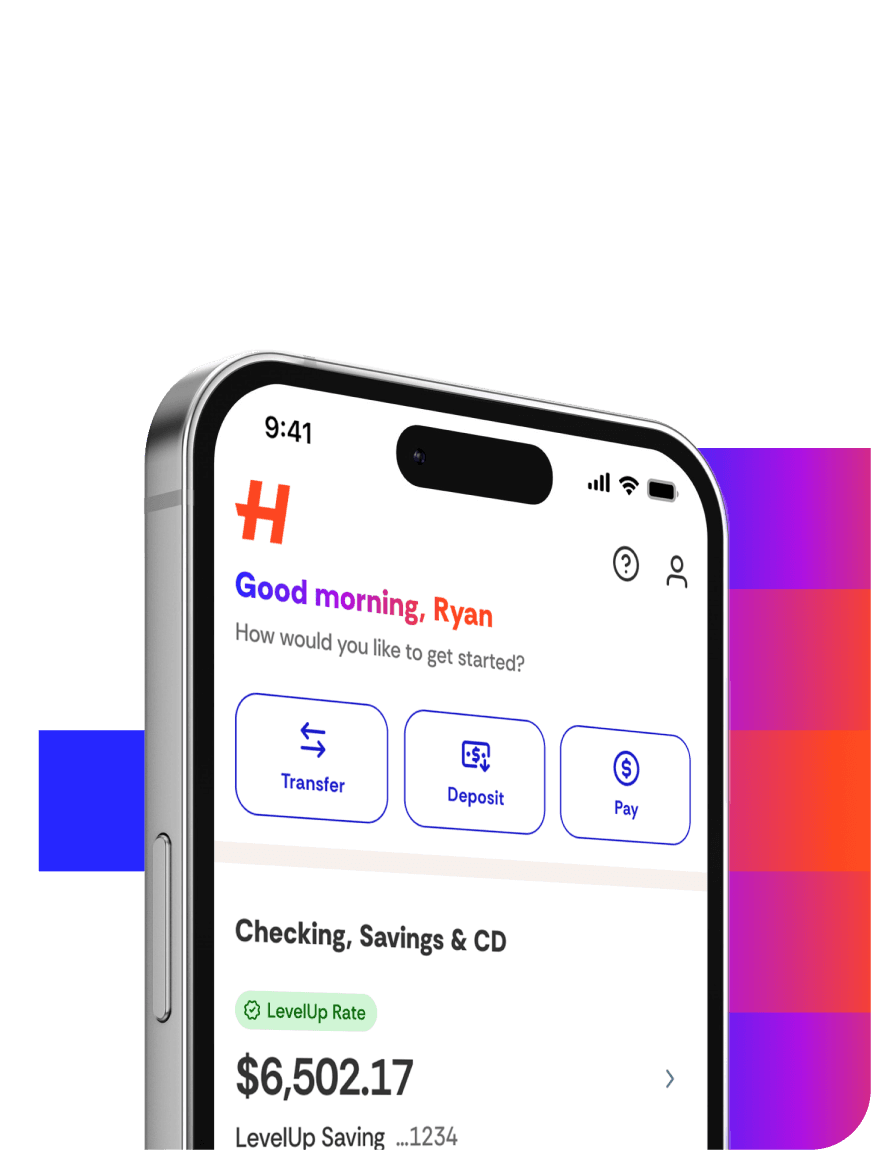
Set up a Direct Deposit into your account, and you could be eligible to receive your money up to two days earlier. As a reminder, any account features that enable you to receive Direct Deposits or that enable Direct Deposit funds to be made available to you early are contingent upon and subject to the payor’s support of these features.
Setting up Direct Deposit is simple:
Log in to your account online or in the app.
Select Move Money > Direct Deposit.
Search for and select your employer or payroll provider.
Select your receiving account.
Log in to your employer or payroll provider account to set up Direct Deposit.
Select the relevant account.
Follow the prompts to have your paycheck deposited directly into your account.
If you can't find your employer or income source, they may not be eligible for automated enrollment. Please connect with your employer directly to set up Direct Deposit to your account.
What if I close my account?
If you close your account, Happen Bank is not responsible for notifying the payroll department. It is your responsibility to immediately notify your employer’s payroll office so that no future payments are sent to your closed account.