Don’t worry! If the borrower requests a change to their financing and they haven't signed their final agreement documents, you can still easily revise the borrowing amount. Go to your Business Center Dashboard, find the applicant's name, and select Change under the Next Steps column. Then, enter the new amount. If a “Max” flag appears, the amount requested is already the maximum amount the applicant is approved to borrow, so no increases will be accepted. Please ensure you review any changes with the borrower and get their consent before revising.
What do I need to do if the service amount needs to be changed?
Last Updated June 8, 2023less than a minute read
Additional Treatment Fee Changes FAQ
Happen Bank Resources
Related Articles
Debt consolidation replaces multiple high annual percentage rate (APR) balances with one fixed-APR personal loan. Before applying, knowing exactly what is owed, verifying that it actually saves money, checking your credit score, gathering documents, and checking your rate to see the actual APR before committing are important steps. This guide walks through each step in order.
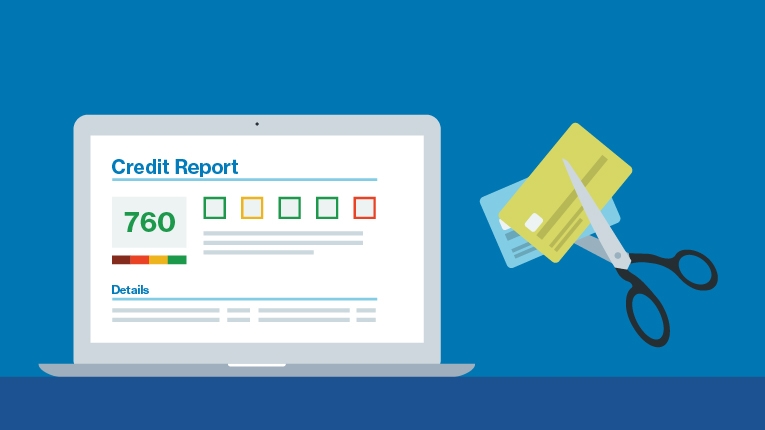
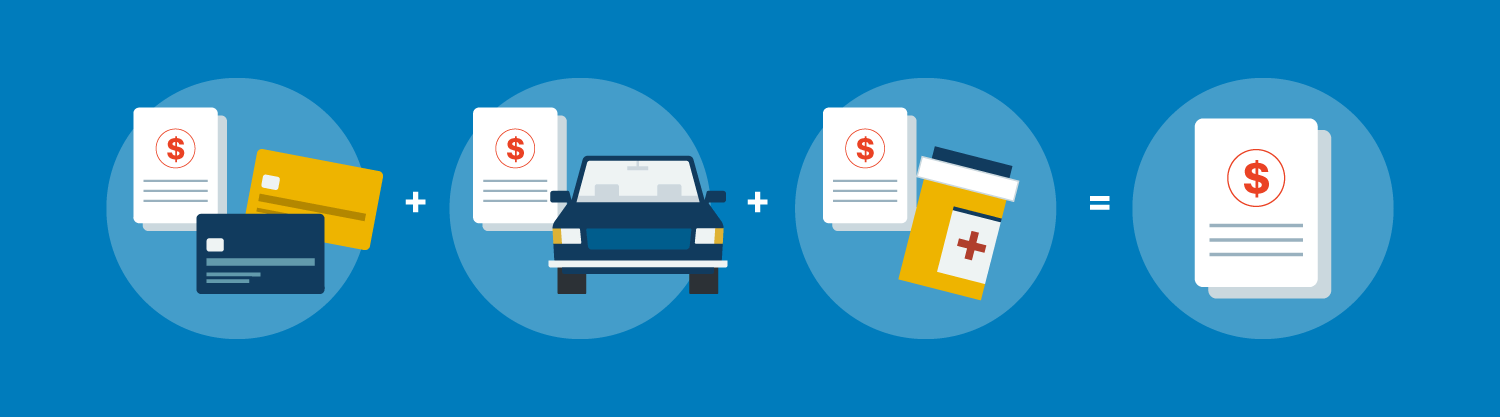
Debt consolidation combines multiple high-APR debts into a single payment—ideally at a lower APR, with a defined end date. It can help save money and simplify your finances, but whether it makes sense depends on your credit profile, the APR you can qualify for, and your ability to avoid new debt after consolidation.
Applying for a personal loan may affects your credit score differently at each stage of the process: from the initial rate check through to full repayment. A personal loan can affect a credit score positively or negatively over time, depending upon several factors.

When you consider taking out a personal loan, there are two ways in which your rate can be structured. The choice affects not just your monthly payment, but the total cost of borrowing over the full term, particularly if your loan runs several years.

When people worry about debt consolidation hurting their credit, they’re usually thinking about how a loan application affects their credit score. What may negatively affect a credit score is a missed payment, a closed account that shortens your credit history, or new spending on the cards you just paid off.
Related Impact
Today, we are thrilled to announce the completion of our acquisition of Radius Bancorp, Inc. (“Radius”). In February 2020, we announced our intent to acquire Radius and shared how we can grow and deepen our customer relationships with a marketplace bank.

Related FAQ's
You can view and manage most of your account information by signing in on the web or using the Happen Bank mobile app, including your password, phone number, physical address, loan documents, payment methods, and two-factor authentication settings.
Contact our team at 833-498-1399.
The Society for Worldwide Interbank Financial Telecommunication (SWIFT) Code is a unique identification code that may be required by some banks, broker-dealers, and investment managers for the completion of international wire transfers.
Personal Banking Customers: Our Elite and Reserve Tier customers can place a wire via Online banking or the Happen Bank Mobile app. For all other customers, they can reach out to Customer Service at 800.242.0272 to initiate a wire.
LevelUp Savings is a high-yield savings account that rewards you with a higher LevelUp Rate when you make deposits of at least $250 per statement cycle.
Related Glossary
{noun} A type of credit that allows the borrower to make charges and payments against a set borrowing limit, paying interest only on outstanding balances.
{noun} The amount of unpaid interest that has accumulated as of a specific date, either on a loan or an interest-bearing account or investment.
{noun} The total annual cost to borrow money, including fees, expressed as a percentage.
A debt that is written off as a loss because the financial institution or creditor believes it is no longer collectible due to a substantial period of nonpayment.
{noun} An interest rate that remains the same for a set time, usually for the life of the loan.