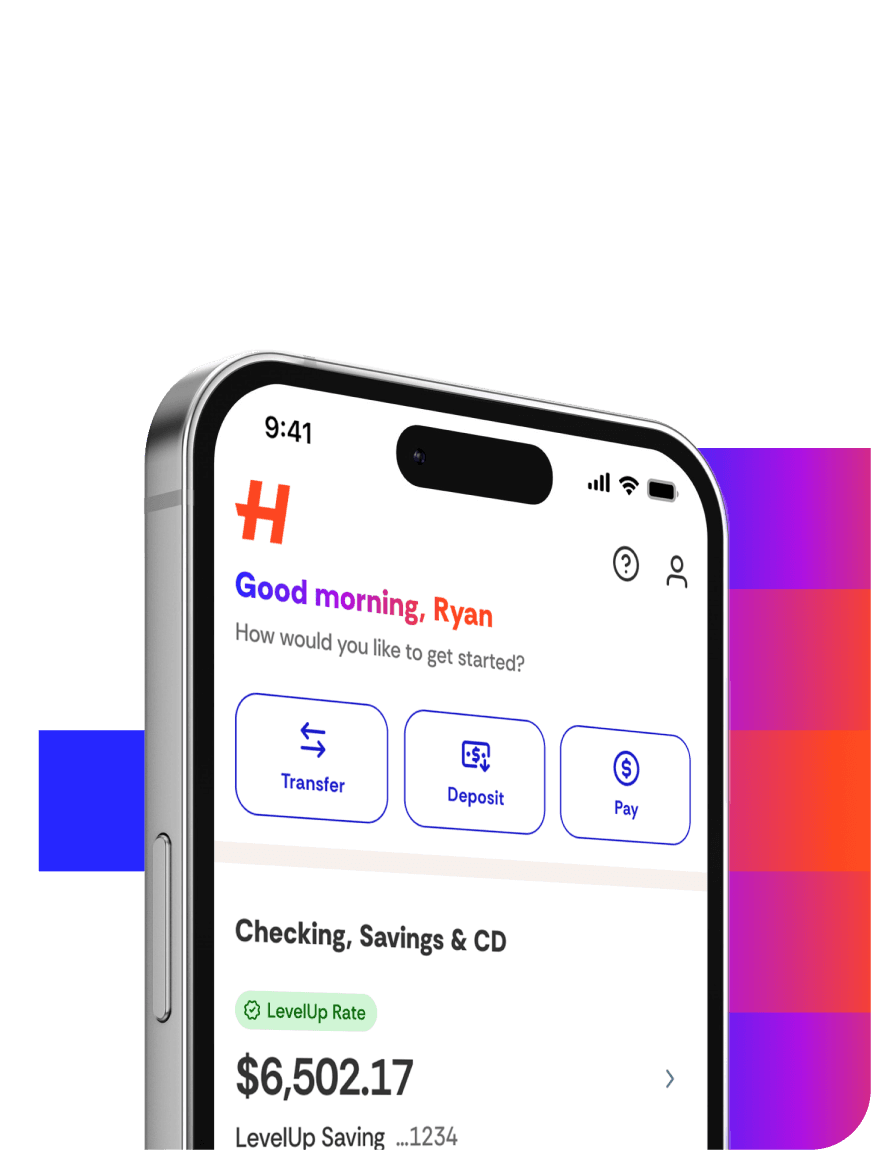
You can deposit checks using the app! Here’s how:
Confirm that the payee is listed as an account holder or joint account holder.
Sign the back of the check and add “For Mobile Deposit at Happen Bank only” below your signature. (This endorsement is very important and must be complete and legible for successful processing).
Select Move Money > Mobile Deposit.
Select the account to which you want the deposit applied.
Select your deposit account and enter the amount on the check.
Follow the instructions to take a photo of the front and back of your check.
Select Deposit Check.
Select the History/Schedule icon in the top right of the Mobile Deposit screen for the status of your mobile deposit.
Helpful Hints
We recommend a dark background on a light check that clearly displays the four corners of the check.