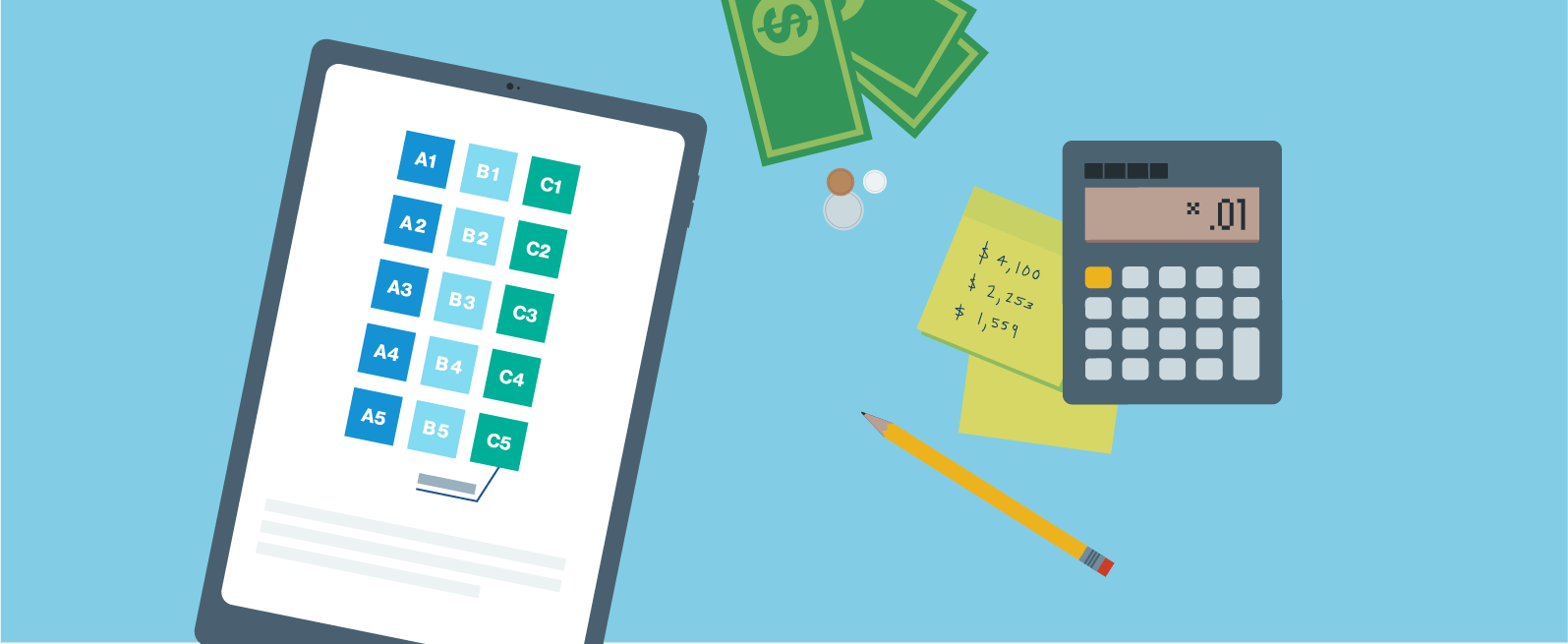
If you choose Manual Verification to link an external account, we'll send two micro-deposits to that account, which typically take 3-5 business days to appear as a deposit. To verify the external account, record the amounts of the two micro-deposits, then return to your Happen account online or in the app to enter them.
Online:
Log in to your account.
Select your profile name, then select Settings.
Under Accounts, hover over the menu next to the new external account, then select Verify.
In the app:
Select the profile icon.
Select External Bank Accounts.
Select Verify.
Enter the two micro-deposit amounts. Once verified, you can begin making transfers to and from your external account.