Two-factor authentication is automatically set up using the phone number you provided when applying for an account. You're welcome to change or add authentication methods.
Online:
Select your profile name.
Select Settings.
Under Security, Select Manage Security Settings.
Under Two-Factor Authentication, select Enable or Add Authentication.
If you want to add a new phone number, select Text or landline. If you want to add an authenticator app for two-factor authentication, select An app on your phone. You'll need to verify your authentication device before you can use it for authentication.
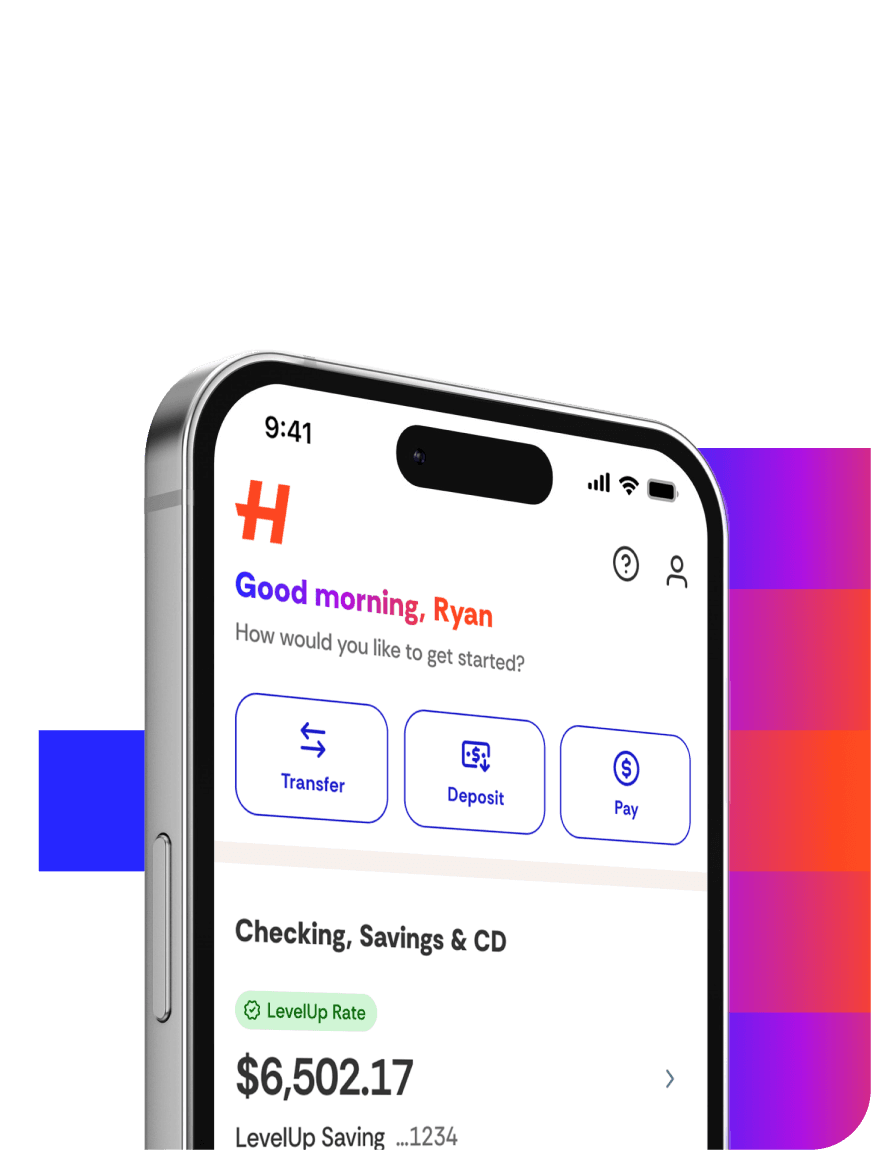
In the app:
Select the profile icon.
Select Settings.
Under Login & Security, select the toggle next to Unlock with Face ID (iOS devices only) or Unlock with Biometrics.
You’ll be prompted to set up biometric or Face ID authentication based on your device’s settings.