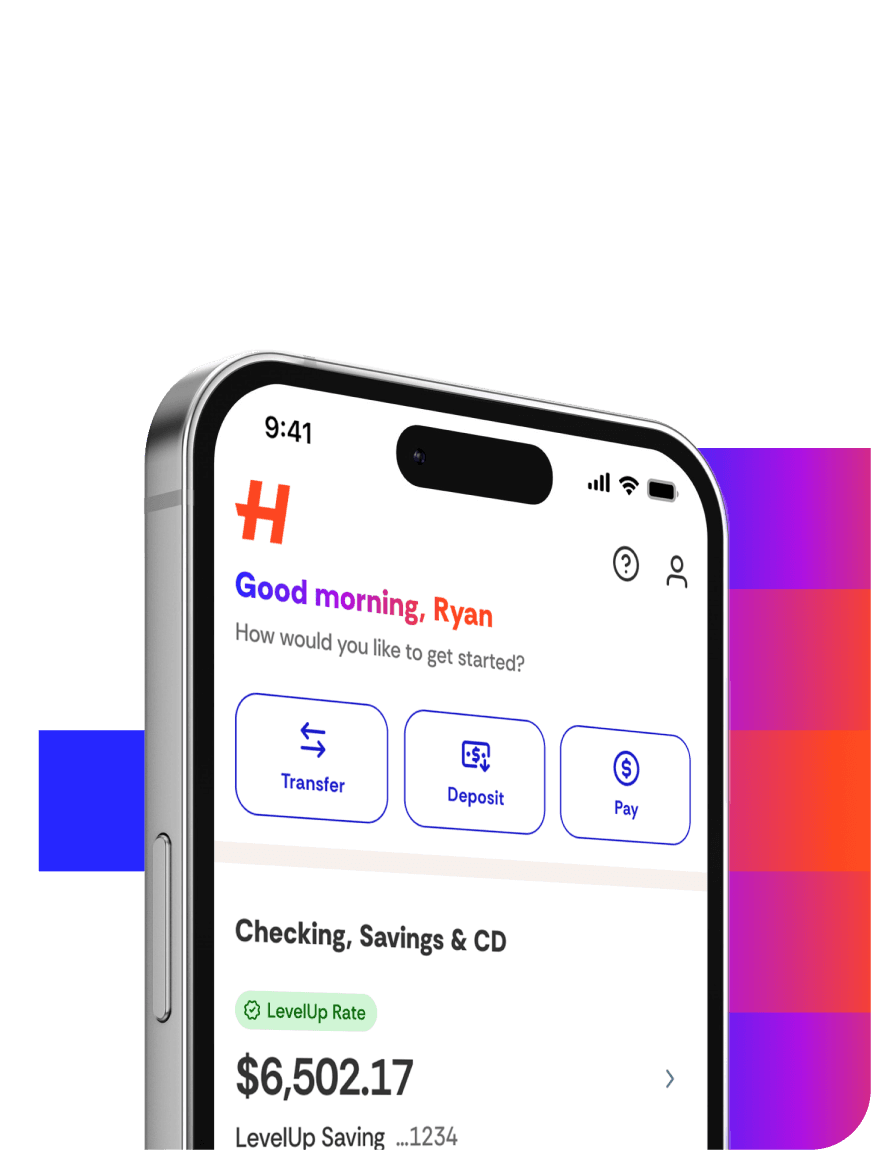
Absolutely! You can set up a Direct Deposit or a recurring ACH transfer to ensure you always make the minimum deposit required to earn the LevelUp Rate. To set up a recurring ACH transfer:
1. Log in to your account online or in the app.
2. Select Move Money.
3. Select Transfer Funds and follow the prompts.