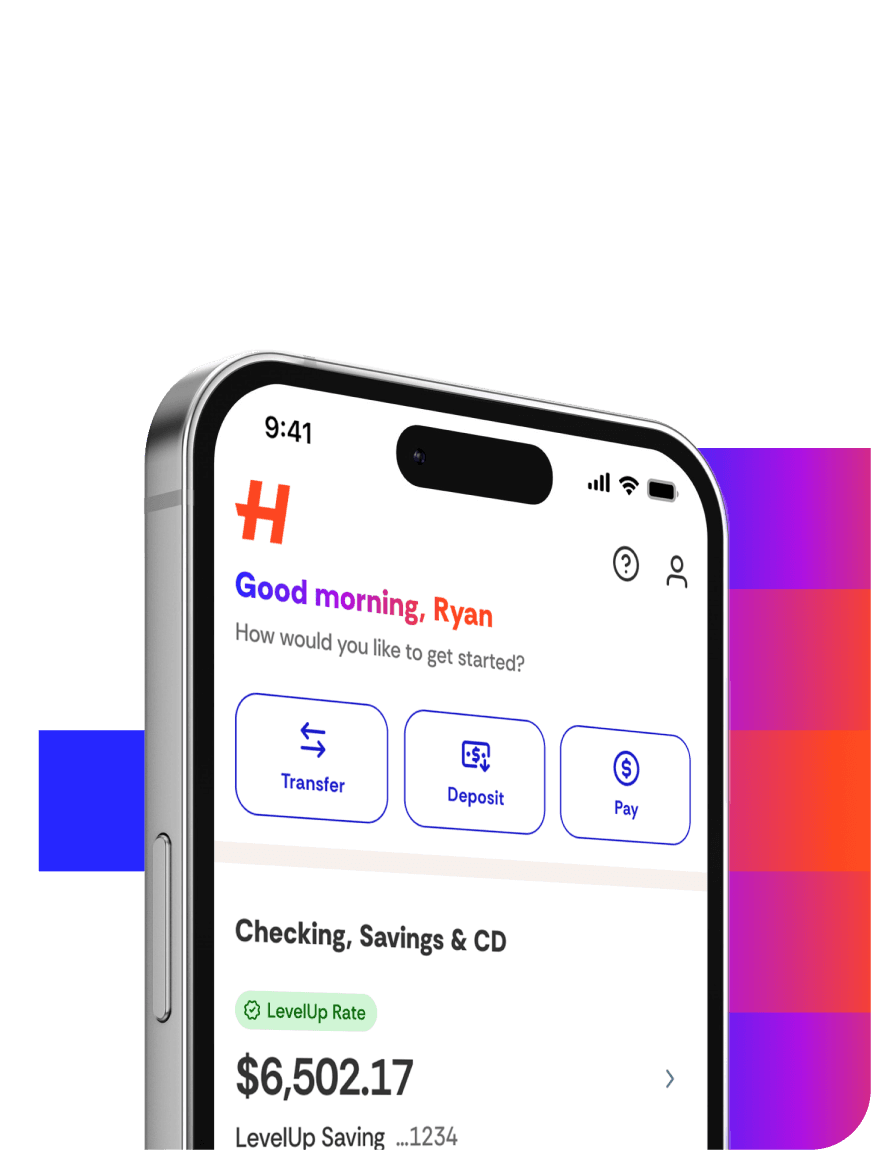
Online:
Select your profile name in the top right corner.
Select Settings.
Under Alert Preferences, select Manage Alerts.
Select the type of alert you'd like to activate.
For transaction and balance alerts, select a notification preference (email or text), the account you want the alert for, and dollar amount thresholds for transactions or account balances.
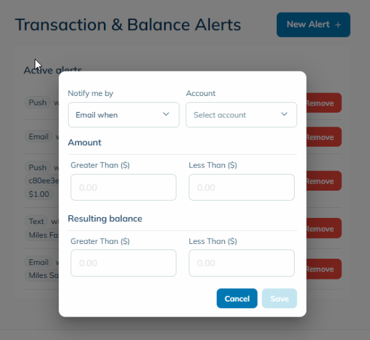
Set your delivery preference.
Create your custom alert.
Select Save.
In the app:
Select the profile icon.
Select Settings.
Select Alerts, then the type of alert you'd like to activate.
For transaction and balance alerts, select a notification preference (email or text), the account you want the alert for, and dollar amount thresholds for transactions or account balances.
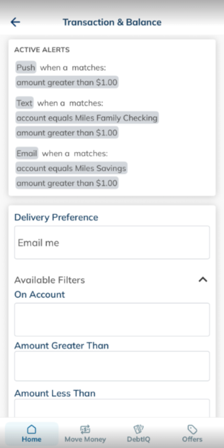
Set your delivery preference.
Select Create Alert if prompted.