Online:
From your Dashboard, select the checking account you want to stop a payment for.
Select Stop Payment.
Enter the check details (the check number and amount).
Select Stop Payment again.
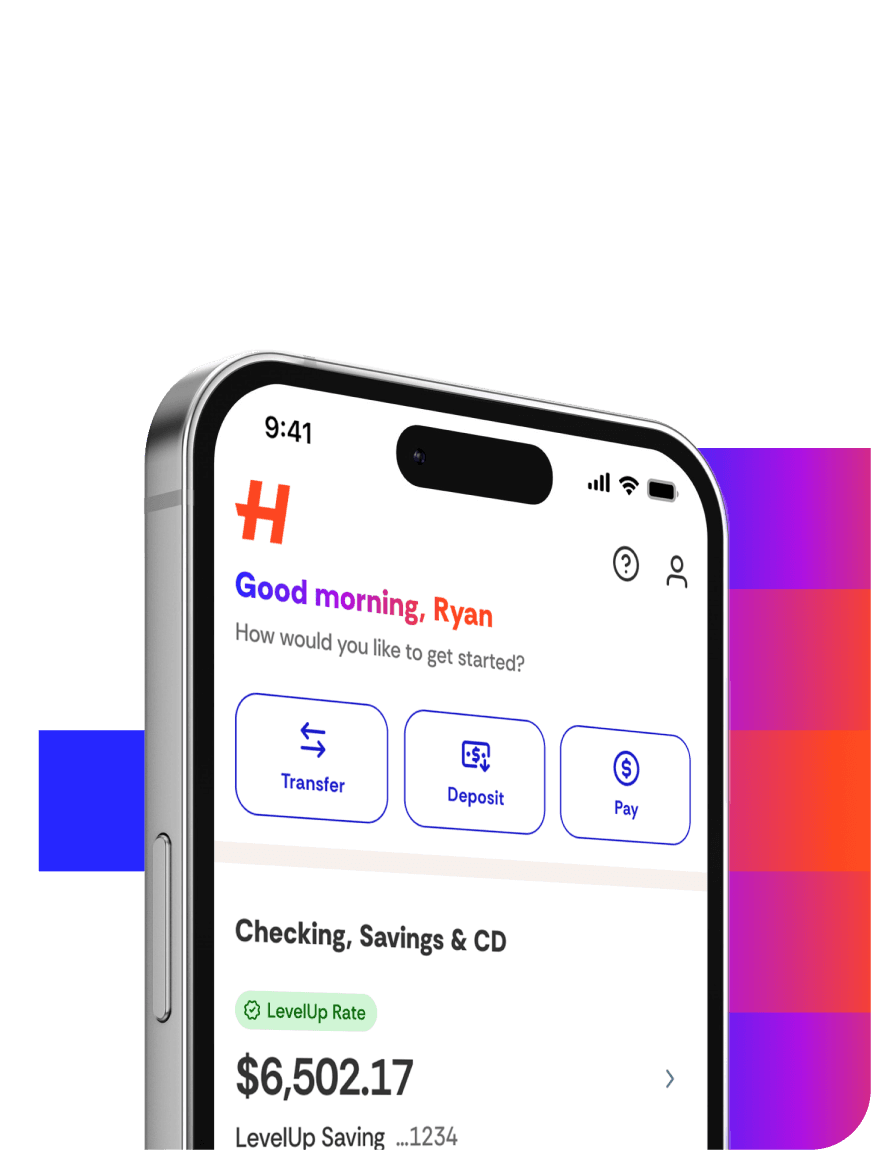
In the app:
Select the checking account you want to stop a payment for.
Select More, then Quick Action.
Select Stop Payment on a Check.
Enter the check details (the check number and amount).
Select Stop Payment.
Keep in mind: We can’t stop payment on a check that’s in process or that has already been deposited or cashed.