BUSINESS ONLINE BANKING
Getting started with online banking
Log in to Online Banking
Use your username and password, which you will create
Once you enter your username and password, you will be asked to verify your identity with a secure code through your phone number or authenticator app. The code should be delivered within 2-3 minutes
Click “Register Device” and enable Face ID or fingerprint for faster accessibility


Create and manage users for your company
Sign in using your Online Banking username and password
Select “Access Manager” from the “Tools” tab in the home menu
Select “Add a New User” and complete the “User info” section, then click “next”
User info will include first name, last name, email address, phone number, and password
New users will be required to change their password upon their first successful login
Enable user access to all or only certain accounts and online features, as well as by transaction type, dollar amount, etc.
Locating your account and routing number
From the Happen Bank mobile app:
Select your account
Click the "More" menu in the top right corner
Click on Information & Details
Within Online Banking:
Select the account from the home page
Click "Account Details" on the right-hand side of the screen
Your account number is listed under "Account Details"
Happen Bank’s routing number:
Our routing number is 211075086
This can be also found in the footer of our website and online banking


Sending domestic wires
Getting Started
Online Banking:
Click "Move Money" and select "Wire Transfer"
Complete the necessary information about the amount and beneficiary
Mobile App:
Select "Move Money" and then "Wire Transfer"
Complete the necessary information about the amount and beneficiary
Adding a new recipient
Choose “New Recipient” from the drop down under “Recipient/Account” and enter the required recipient information. Please be sure to add the display name and beneficiary bank information.
You can leave the email address blank and ignore the intermediary bank section.
Complete the recipient information
Verify the information and enter a “Purpose of Wire” into the description and select approve for the wire to be sent to the bank for processing.
Please note: Domestic wire cutoff time is 4:00 pm ET and international cutoff time is 1:00 pm ET. All domestic wires approved after 4:00 pm ET and international wires approved after 1:00 pm ET will be processed on the following business day. Wires can only be completed on weekdays, not weekends.
Wire Statuses
Processed – Wire is processed and will be debited from the account by end of day
On Hold – An alert is on this wire in Q2. The Fraud team will clear it, and approve the wire for processing
Cancelled – Customer or Happen Bank has cancelled the wire
Drafted – Customer drafted the wire, but needs to approve it
Other important information
From the Happen Bank mobile app, click the gear icon in the upper right-hand corner and then select "Statements"
We make contacting us easy!
Give us a call at 800.242.0272 if you can’t find what you need online
We strive to respond to messages within 24 hours


Manage your account and security preferences
Manage alerts
Enable, disable, or add security and account alerts within Online Banking by clicking your name, selecting Settings, selecting More under Alerts and Security, and clicking Add New Alert. Then, select email or text message as the alert type.
For Mobile Banking, from the More menu, select Alerts, select Custom Alerts, and click Add Alert. Then, select email or text message as the alert type
Manage security preferences
Use the Login and Security section to change your password/username, enable fingerprint/FaceID, and update secure delivery options to receive secure access codes
Statement delivery
Customers can control statement delivery type for each account – paper or E-statements
View your profile
Customers can view their personal profile information, but edits cannot be made. To update personal information, please contact customer service at 800.242.0272.
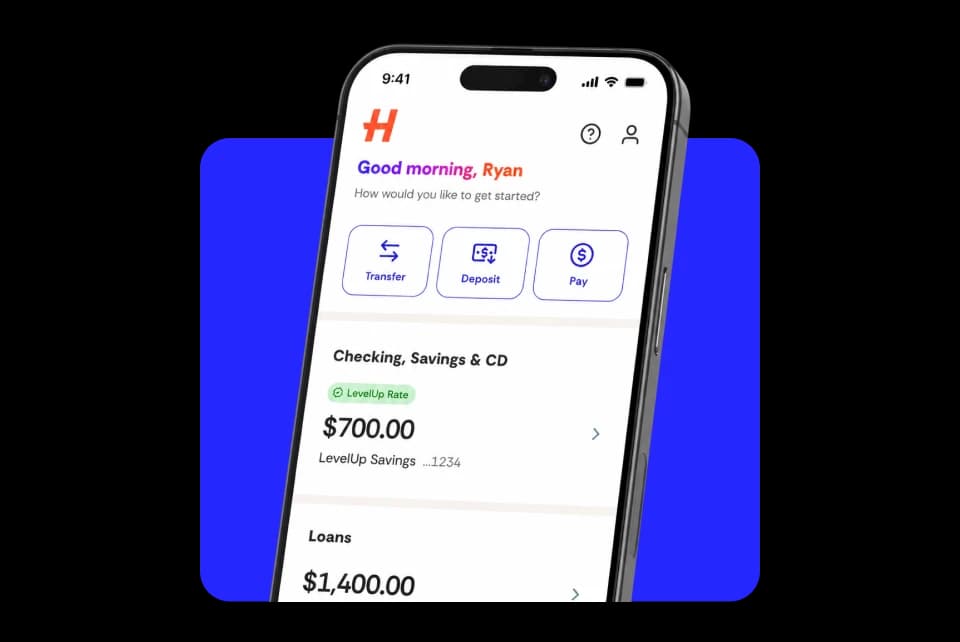
Download Happen Bank for your Android™ device, iPhone® or iPad®
Sign in to the Happen Bank app using your Online Banking Login ID and password



Security

FDIC Insurance

Customer support